Day 22 – Create a Knock Knock joke for a Christmas Cracker
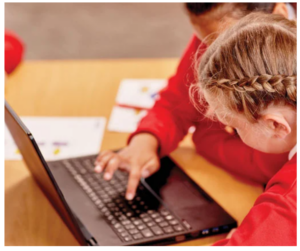
In this activity pupils, in pairs, create a simple animation program of a knock knock joke. They use a storyboard to create their design, write the code in ScratchJr, debug and evaluate.
One of the key learning points in this lesson is that pupils will have to control the timing and order of the two sprites saying the knock, knock joke lines. In this activity the ‘wait’ command is used to sequence the events.
Click the link below to access the lesson plans. This requires a Barefoot Computing account which you can create for free. This will also require ScratchJR which is available for all PKC ipads in the PKC App Store.
ScratchJr Knock Knock Joke Activity | Barefoot Computing